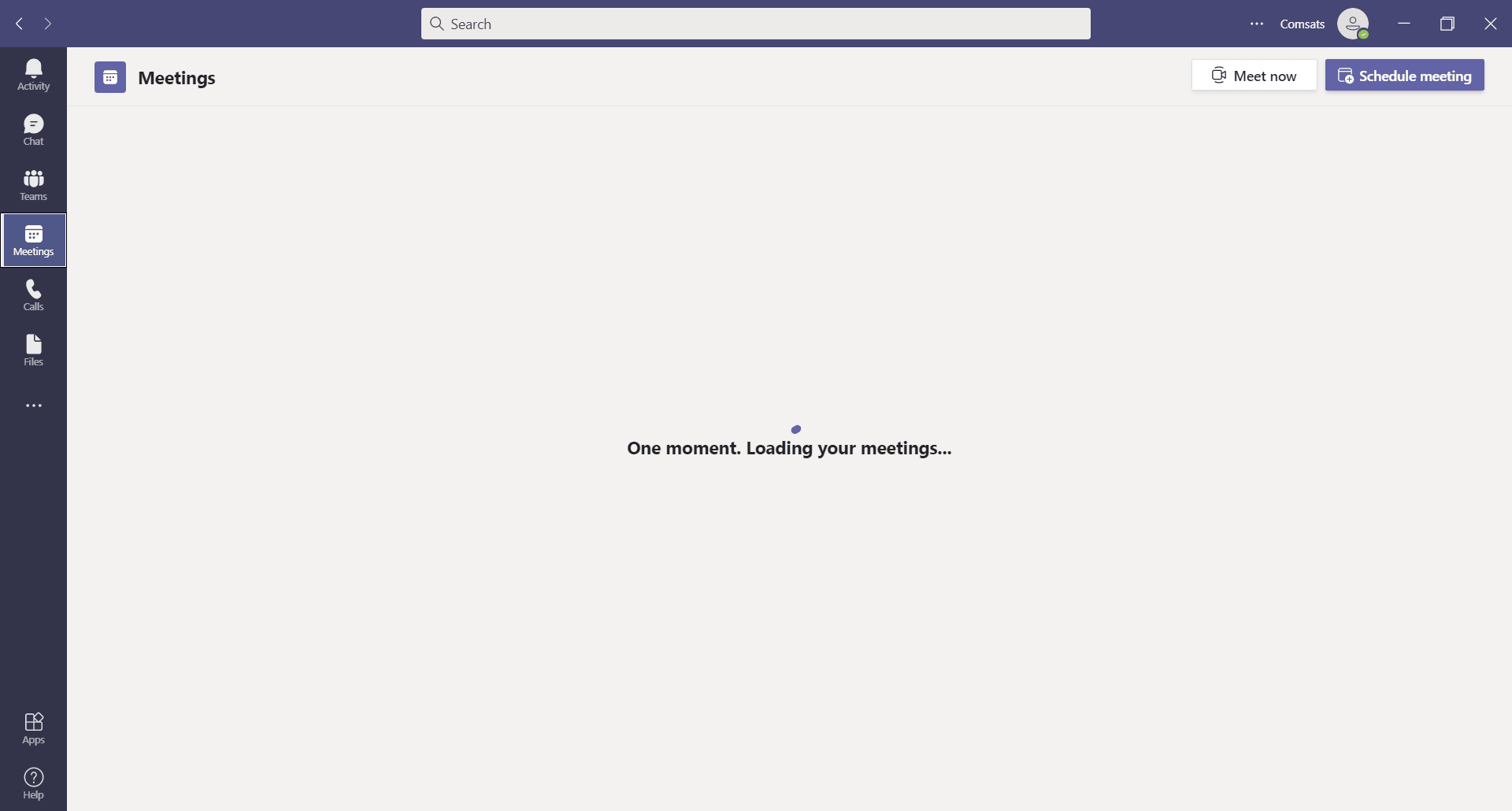
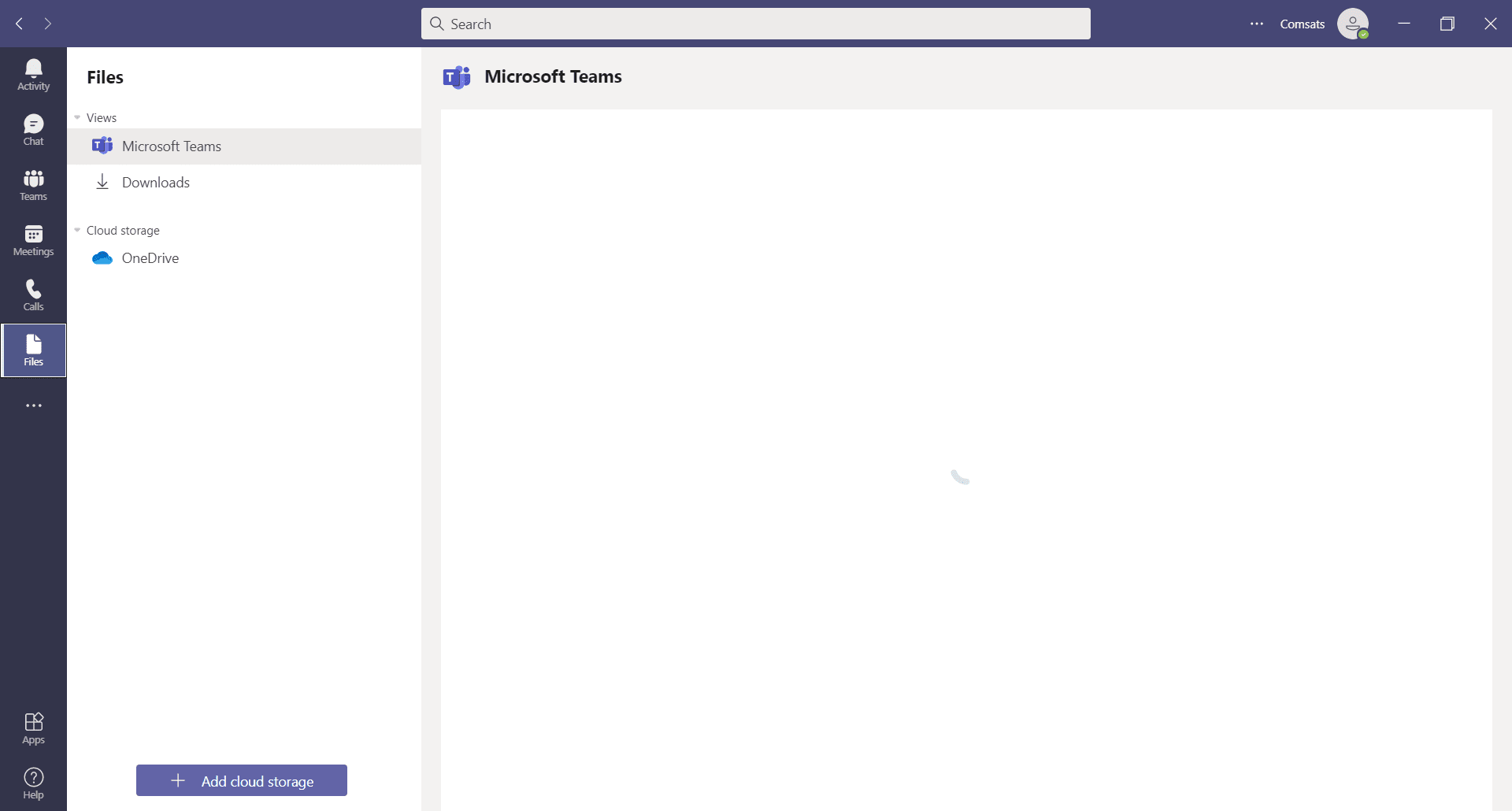
Microsoft Teams is an application developed by Microsoft for video conferencing, messaging, calling, sharing files, and managing professional teams in a business or creative environment. Teams is great software for people who want to manage their teams when it comes to specific projects and other business elements.
Bringing the virtual office together
It is a complete business suite that will help you in managing everything, including virtual meetings. Even before the pandemic began, virtual teams existed, and managing them was difficult, as you had to choose different applications for different purposes. Microsoft took note of that and designed an application that has it all for all your professional virtual needs.
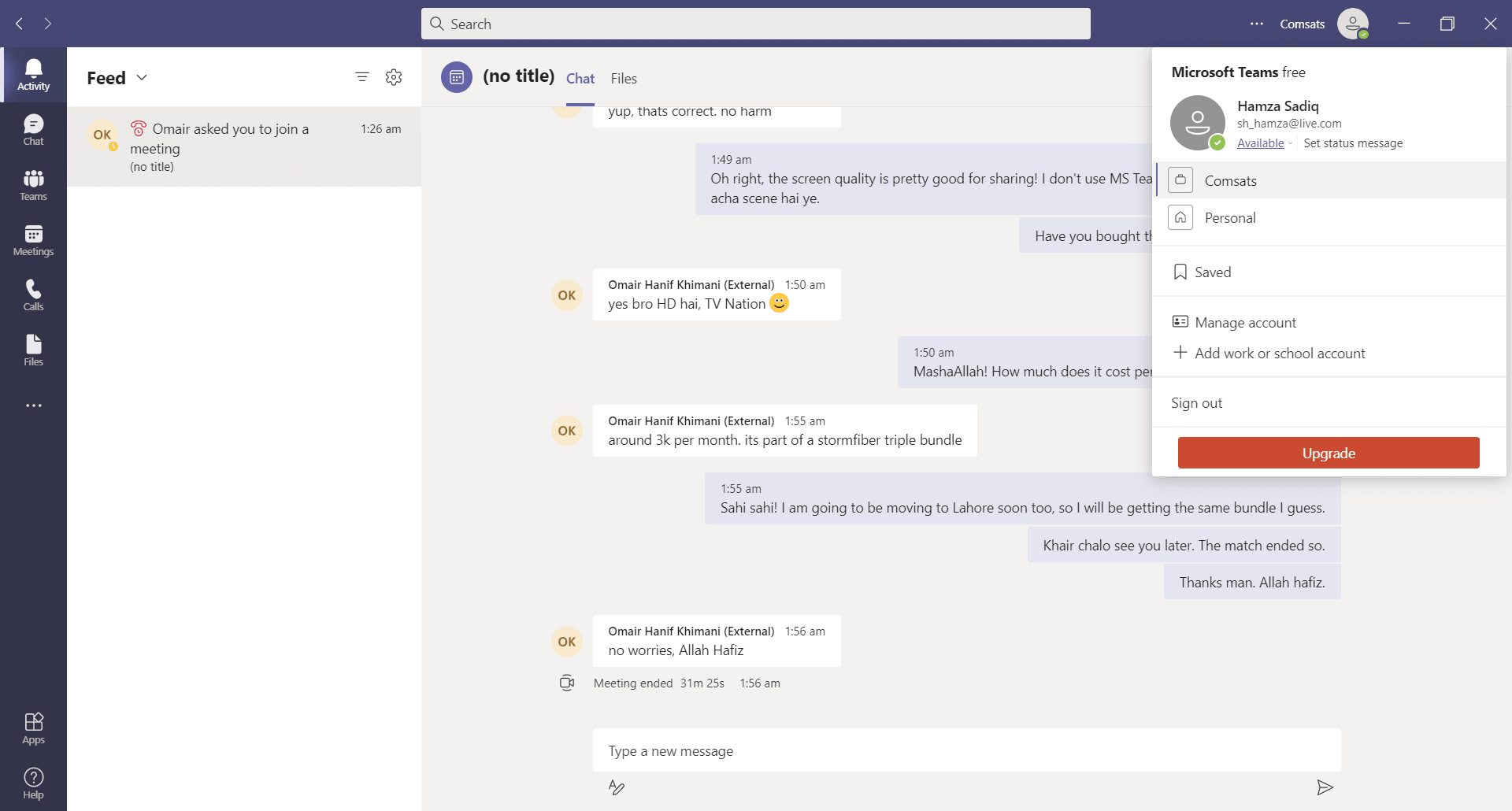
If you want a virtual work environment that can manage an entire company and large projects, Teams is the application for you. It is incredibly user-friendly, though some configuration is required. If you are signing up through an organization, you will need the organizational login and password. Otherwise, the normal Microsoft account will work too.
Core collaboration tools
Document sharing, virtual meetings, chatting, calling, and screen sharing - all these features are present in Microsoft Teams. Just like the physical environment, there is a need to have a professional virtual workspace that will make everything simpler and distraction-free, and this is where Microsoft Teams does its job.
Talking about the features, Teams is jam-packed with them. Here are a few:
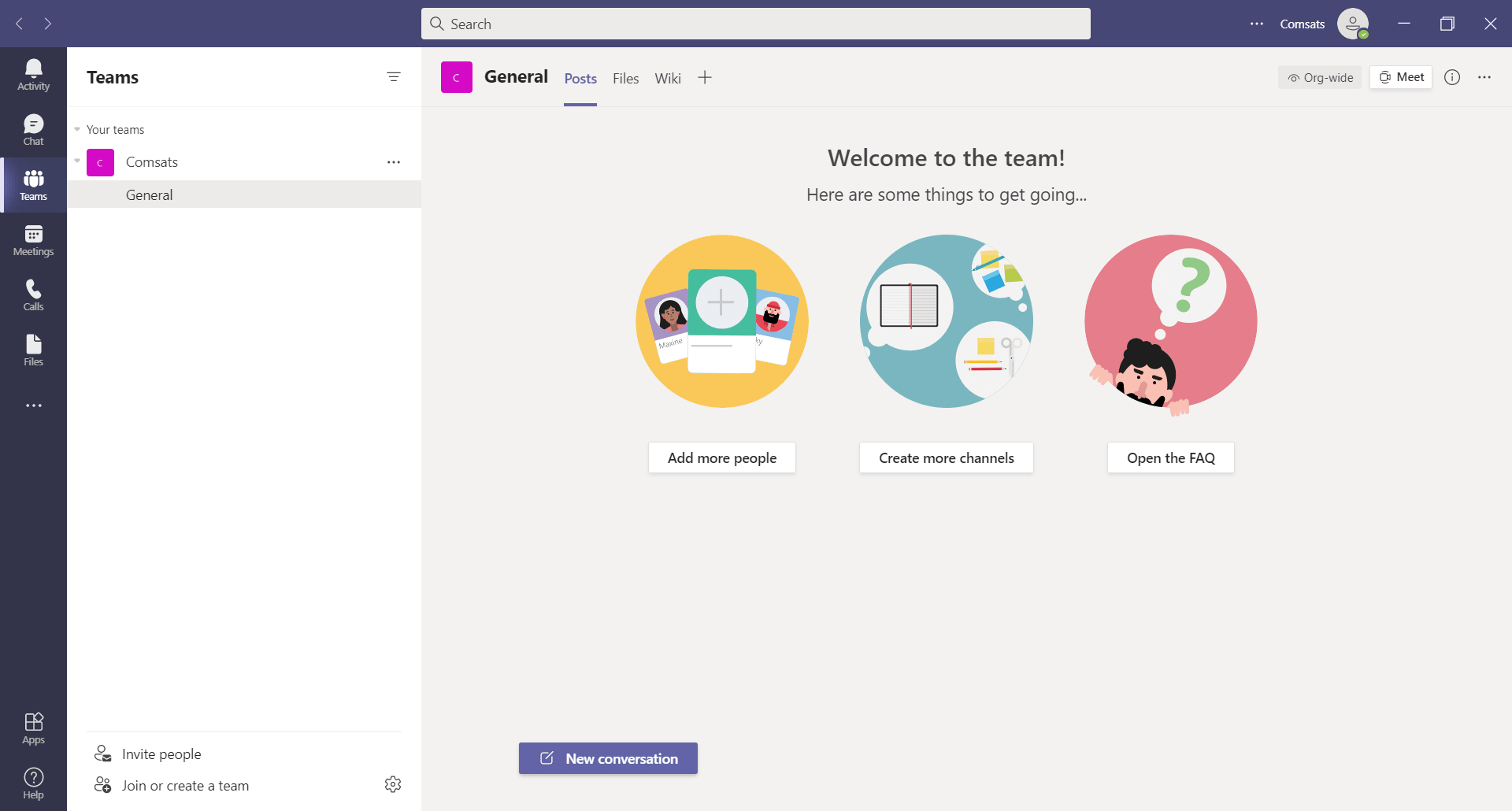
- Create teams and channels where conversations and files can be shared.
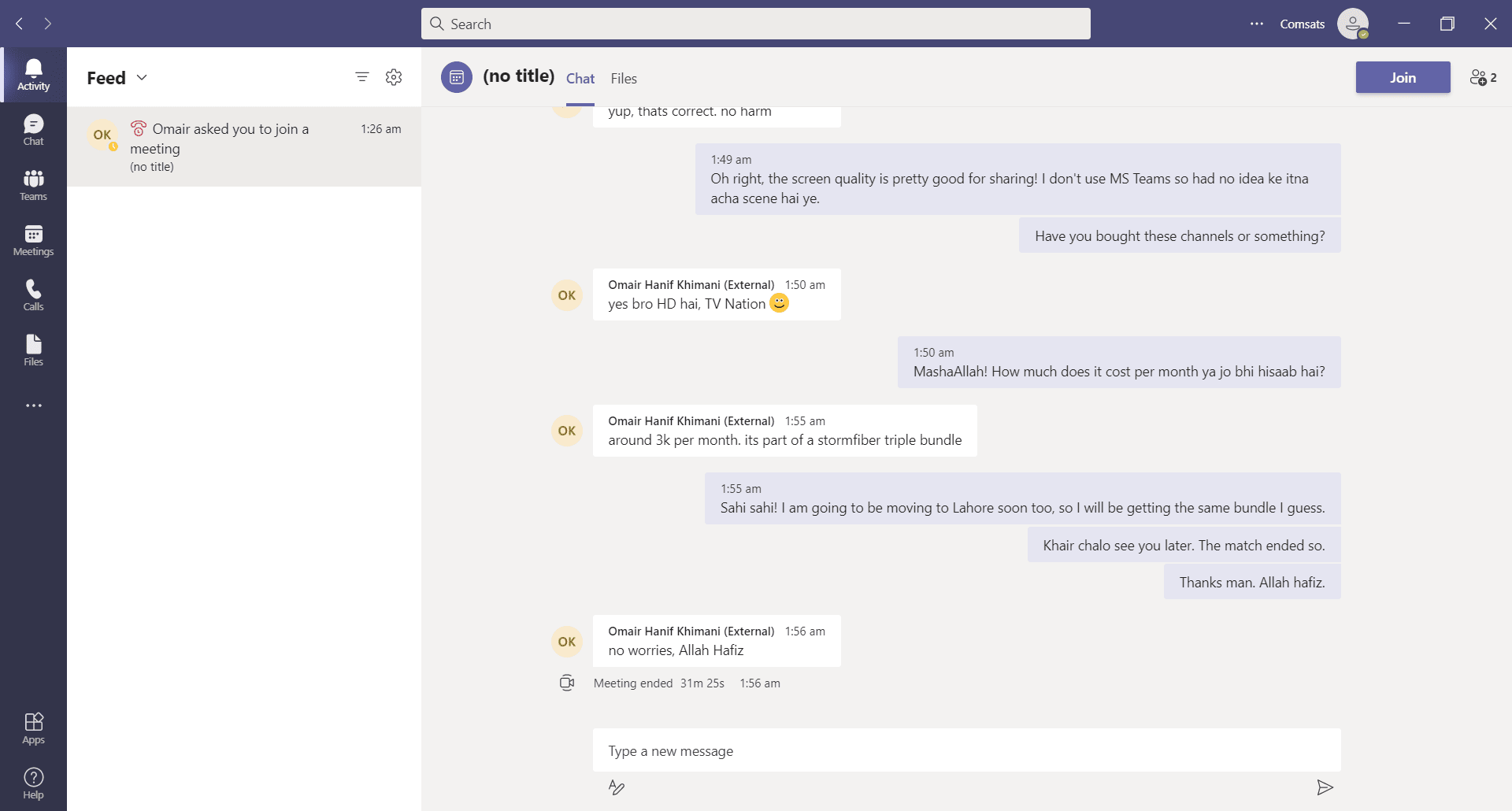
- Video meetings with many people at the same time.
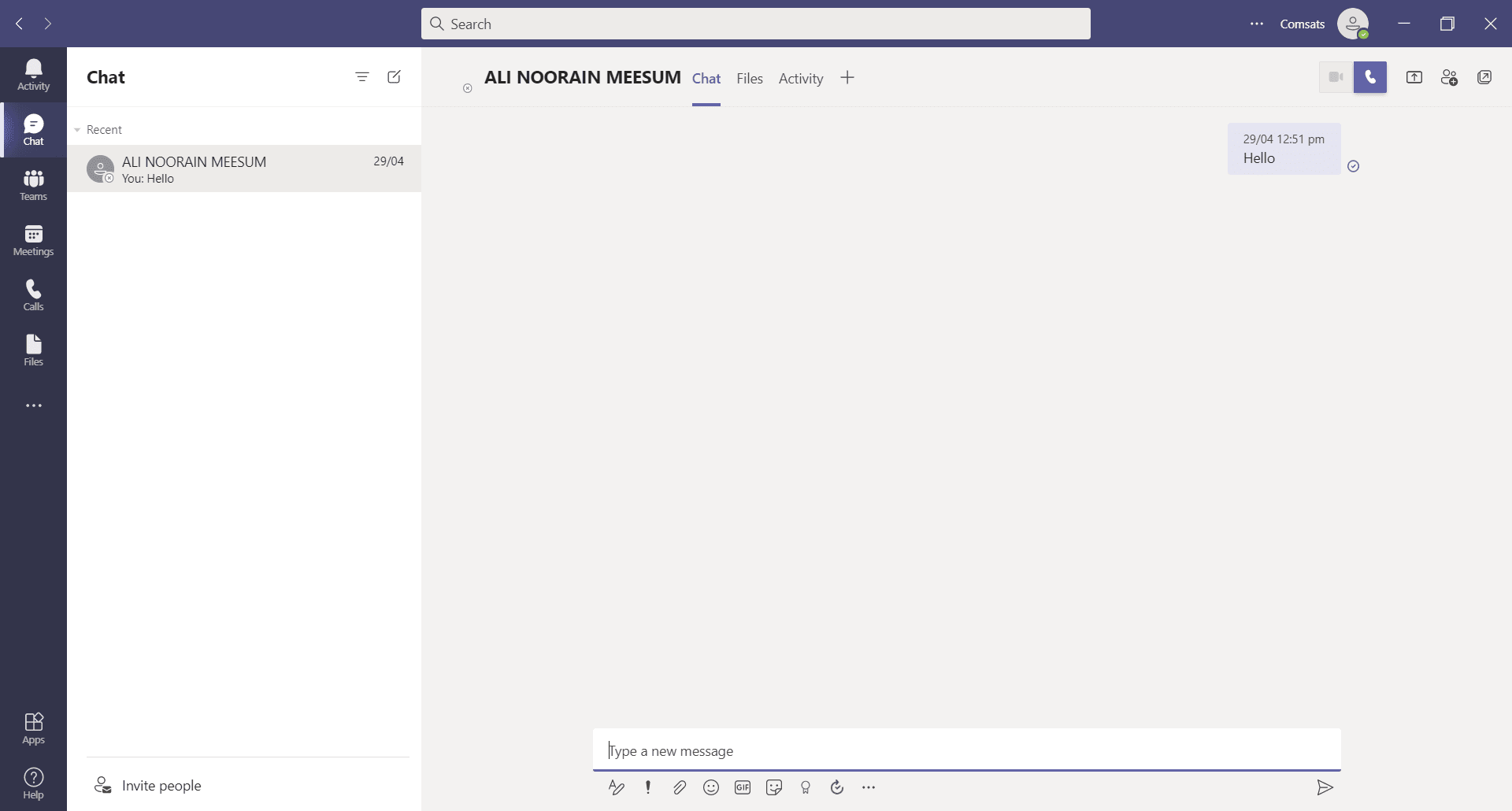
- Chatting is available between individuals, groups, and meeting participants.
- Storage is available in SharePoint and OneDrive. Files shared in channels are stored in SharePoint, while files shared in private chats are stored in OneDrive.
- Screen sharing and presentation mode are available during meetings as well.
- Native integration with other Microsoft applications.
- Alongside video calls, you can also use audio conferencing.
- Available on almost every platform.
A unified remote workspace
To wrap it up, Microsoft Teams is a great all-in-one professional collaboration application that you can use to manage your teams and your entire company virtually.